How to register your tailor shop on Darzi Waly, step by step
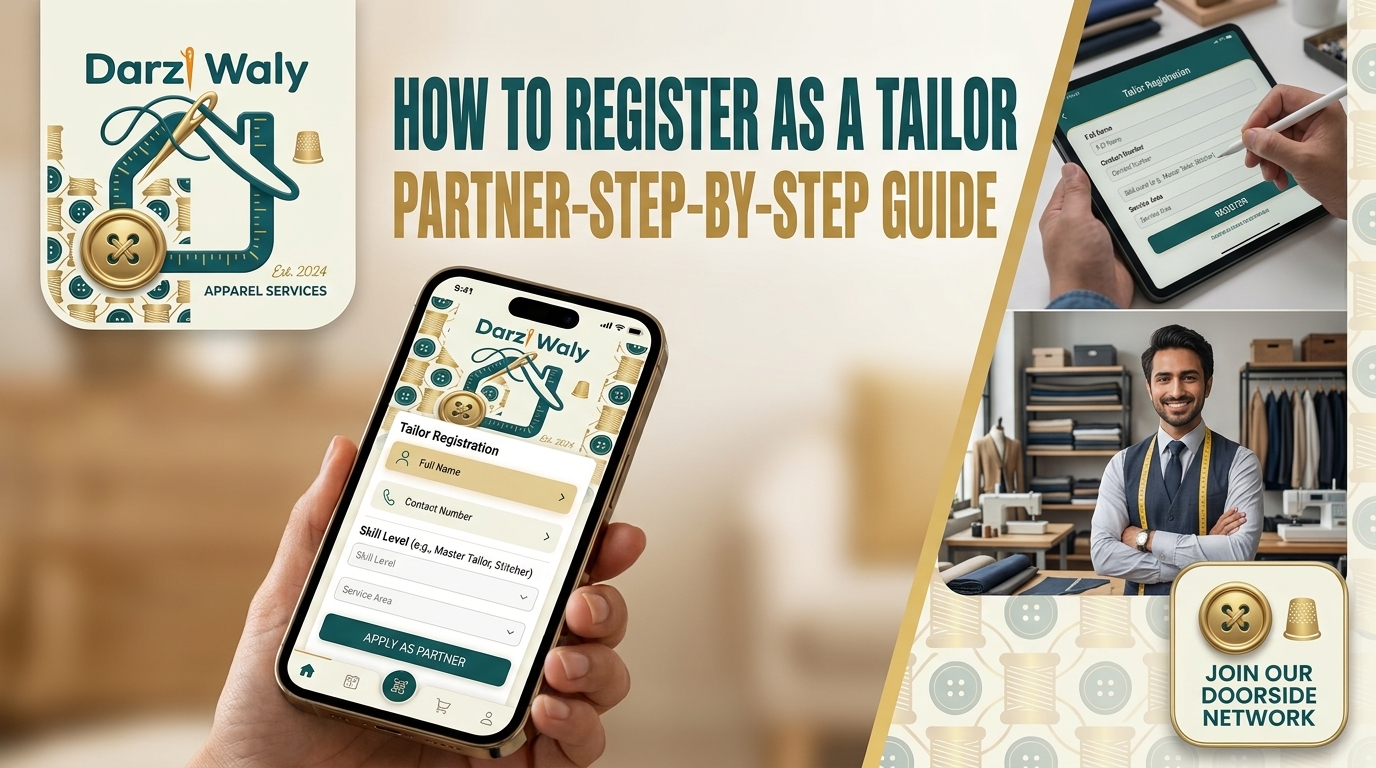
Registering your shop on Darzi Waly takes a few minutes and costs nothing. You do it once, from your own phone, and the app saves your progress after every step, so you can stop and come back.
This guide follows the app screen by screen.
Before you start
Keep these ready:
- your phone, with a Google account on it
- your CNIC, to take a photo of it
- an idea of your prices for each garment
- a few photos of your shop or your finished work, if you have them
Step 1: log in with Google
Open the app and tap Log in, then Continue with Google. Choose your Google account. If you are new, this also creates your Darzi Waly account. There is no password to remember.
Step 2: choose "I am a tailor"
The app asks what you want to do. Tap I am a tailor.
Step 3: confirm who you are
Add a photo of your CNIC. A photo of your face is optional. Then tick the box to accept the terms and tap Send for checking.
Only the Darzi Waly team sees these photos. They are never shown to customers.
Step 4: your name and your shop name
Type your own name and the name of your shop or business. If you prefer, tap the microphone and say it instead of typing.
Step 5: where do you work?
Choose I have a shop or I work from home.
If you work from home, customers see only your area, never your house. Your full address is given only to the rider, or to a customer after you accept their order. You can change this later.
Then the app takes your current location. Check the address it shows, correct it if needed, and add a well-known place nearby if that helps people find you.
Step 6: what do you stitch?
Tap every garment you make: men's shalwar kameez, shirt and pant, waistcoat and coat, ladies suit, bridal and party wear, alterations and more. Choose only what you really do well.
Step 7: your prices
The app shows a starting price for each garment you chose. Use the plus and minus buttons to set your own. You can change your prices at any time afterwards.
Step 8: photos, days and time
- Photos: add up to five photos of your shop and your work. You can skip this and add them later, but tailors with photos get more orders.
- Open days: tap the days your shop is open.
- Time per suit: choose how many days one suit usually takes.
Check and send
The last screen shows everything you entered. Tap the pencil beside anything you want to change, then tap Send.
What happens next
Our team checks your details. While you wait, your shop home shows "Waiting for approval". Once you are approved, your shop appears to customers near you, with your prices and photos, and orders can start coming in.
Common questions
Does it cost anything? No. Registering and receiving orders are both free.
Can I register for someone else? Yes. On the first screen there is an option to register another person, so a son or daughter can help a parent. The shop is registered on the tailor's own account.
I work from home and do not want visitors. Choose "work from home" and then "delivery only". Orders then come and go with a rider, where that service is available.
Can I change things later? Yes. Prices, services, photos, open days and privacy settings can all be changed from "My shop".
Need help?
Message us on WhatsApp at 0325 8819987 and we will help you through it. Once your shop is live, read how to get and manage orders.