For tailors: how to get orders with the Darzi Waly app
Most tailors in Pakistan get customers one way: someone walks past the shop, or a neighbour passes on your number. It works, but it keeps your business the size of your street.
Darzi Waly is a free app that shows your shop to customers near you who are looking for a tailor right now. This guide explains, step by step, how a tailor uses it.
What it costs
Nothing. Registering your shop is free, and receiving orders is free. You set your own prices, and the customer pays you directly in cash.
Who can join
- Tailors with a shop in the market
- Tailors who work from home, including women who stitch ladies suits
- Gents tailors, ladies tailors, or both
You choose whether you take orders for ladies, for gents, or for everyone.
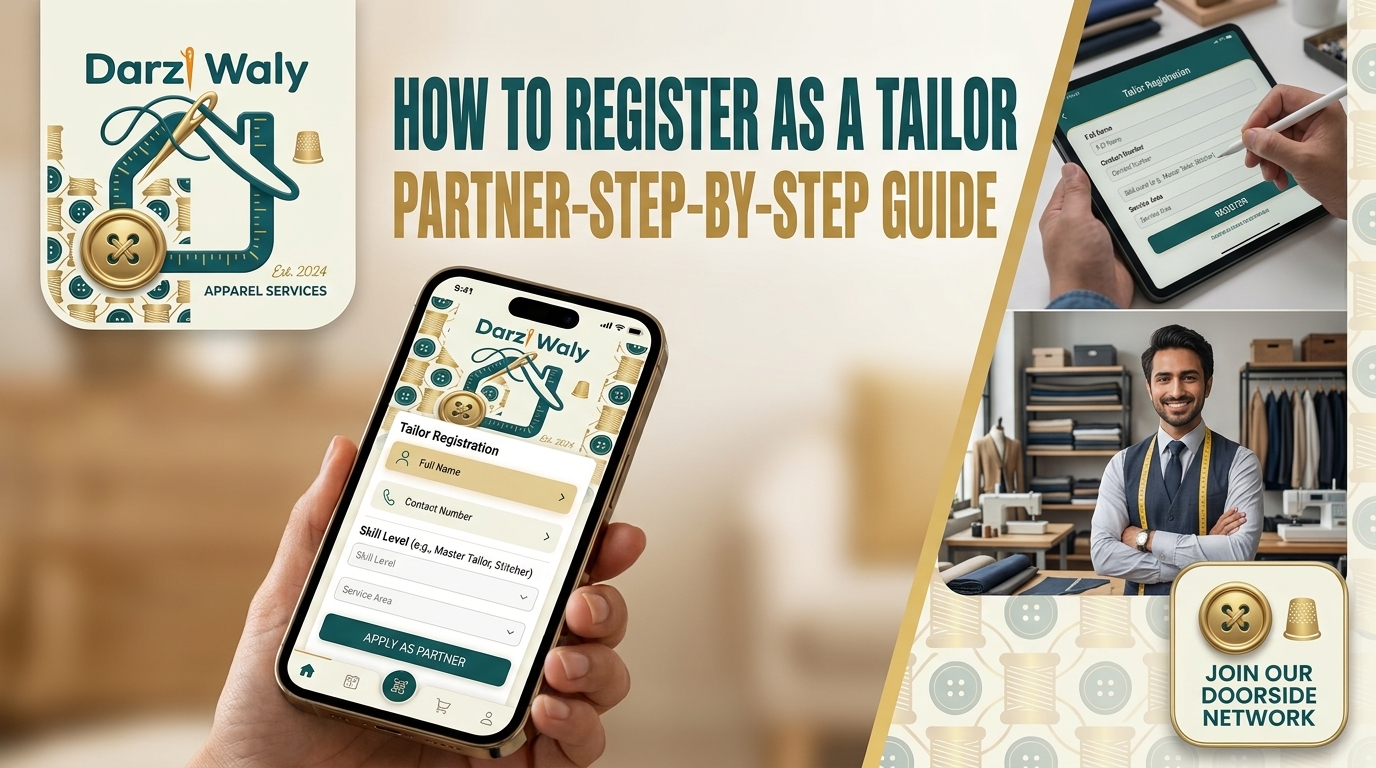
Step 1: sign in and register
Open the app and sign in with your Google account. Enter your mobile number and choose Tailor.
You will be asked for a photo of your CNIC and to accept the terms. This is only so our team can confirm who you are. Your CNIC is never shown to customers.
Step 2: set up your shop
Enter your name and the name of your shop, then say where you work: in a shop or from home.
If you work from home, customers see only your area, never your house. Your exact address is given only to a customer whose order you have accepted, or to the rider. You can also choose to take delivery orders only, so that no customer comes to your home at all.
Step 3: choose what you stitch and your prices
Switch on the garments you make: men's shalwar kameez, ladies suits, pant coat, bridal and party wear, alterations and more. For each one, type your own price.
You can also switch on urgent orders if you take them, and set what you charge for them.
Step 4: days, time and photos
Tell customers:
- which days you are open
- how many days one suit normally takes
- how many orders you can take in a day
- how many alterations are free with each order
Then add photos of your shop and your finished work. This matters more than anything else on your profile. Customers choose the tailor whose work they can see.
Step 5: wait for approval
Our team checks your details. Once you are approved, your shop appears to customers nearby, with your prices, photos and reviews.
When an order arrives
You get a notification on your phone as soon as a customer sends an order. Open it to see the garment, the design, the measurements if the customer gave them, and any notes.
Then accept or decline. If you are too busy, declining is better than accepting and delivering late. Going on holiday? Switch on Busy / on holiday on your home screen and no new orders will come until you switch it off.
Keep the order moving
As you work, tap to move the order to its next stage:
- Cloth received
- Cutting
- Stitching
- Ready
The customer is told each time, so they do not need to call you to ask. From the same page you can set the delivery date, add an extra charge you have agreed with the customer, call them, and open the order sheet as a PDF with all the measurements on one page.
Talk to the customer
Each accepted order has its own chat. Ask about a detail, send a voice message, or confirm a design, all inside the app. If you prefer not to share your number, you can keep it hidden and use messages only.
Reviews bring more orders
When an order is complete, the customer can rate your work. Good ratings move you up when people search, and new customers read them before they choose. Work delivered on the promised day is the easiest way to earn a good review.
Your responsibilities
Darzi Waly connects you with customers. The work itself, the price, the timing and the care of the customer's cloth are yours, exactly as they are in your shop today. Agree the price and the date clearly, and keep to them.
Get started
It takes a few minutes to register. Read more on our page for tailors, or message us on WhatsApp at 0325 8819987 if you need help setting up your shop.
Customers near you are already searching. See how customers choose a tailor to understand what they look for on your profile.